

Red & Pink Hearts on White
A clean white base covered in red and pink hearts of different sizes.
Joe Edwards
013
适用于 Cybertruck
不同版本的涂装模板不通用。安装前请确认和你的车型版本一致。
PNG · 1024 × 1024 · 免费下载 · 无需登录
提示词展开
covered with hearts. Use a clean white base with many red and pink hearts in different sizes flowing naturally across the entire car. Mix small, medium and a few large hearts, with an elegant scattered pattern rather than a repetitive wallpaper. Make some hearts overlap and create a flowing composition from the front bumper toward the rear. Keep the roof mostly clean. Cute, modern and premium, but not childish. Make the design continuous across all separate body panels of the wrap template..
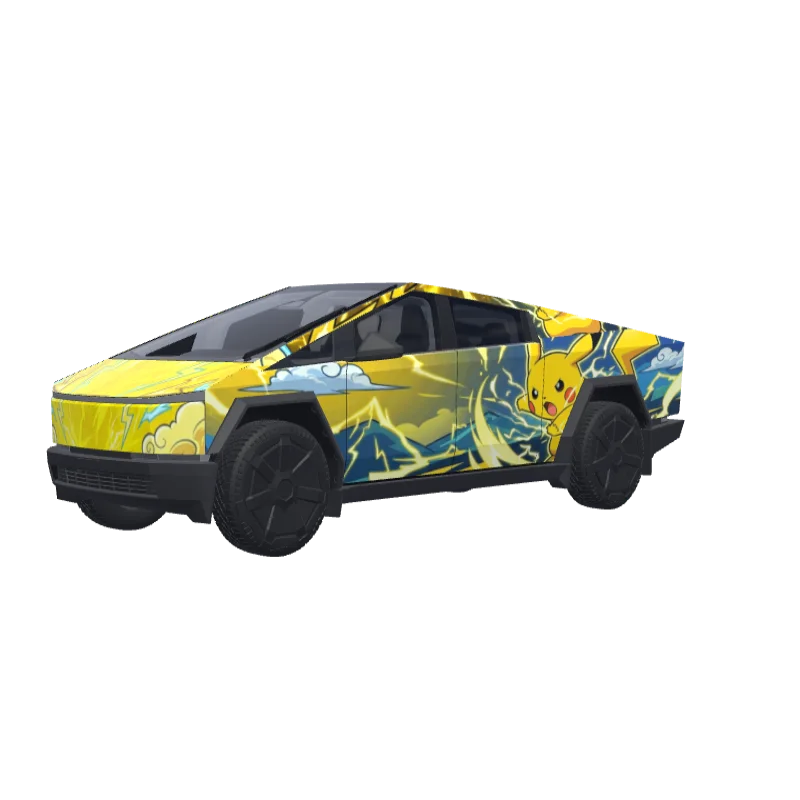
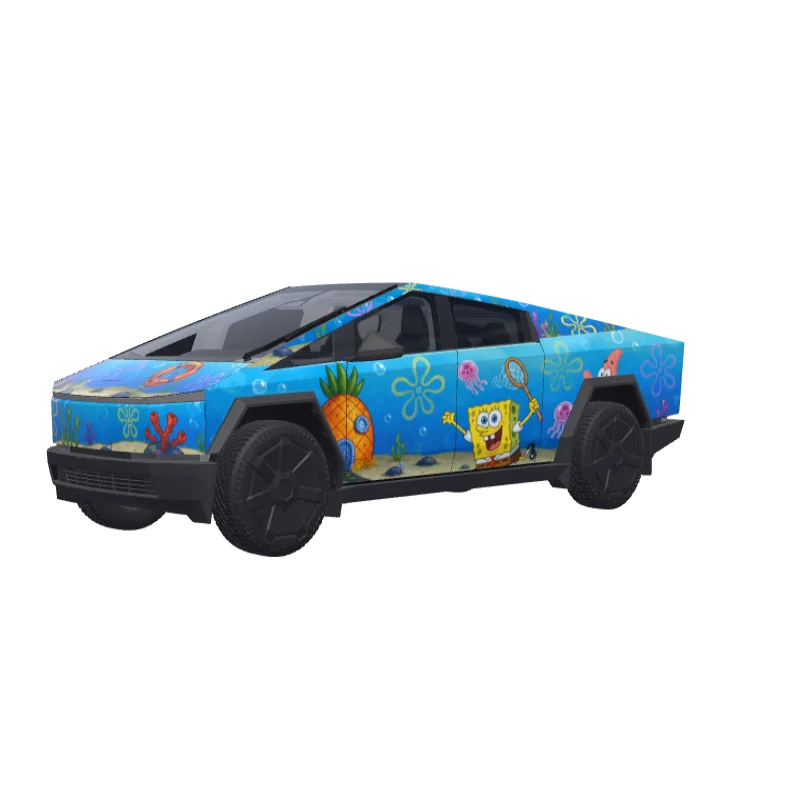
更多 Cybertruck 涂装设计
Cybertruck 的全部涂装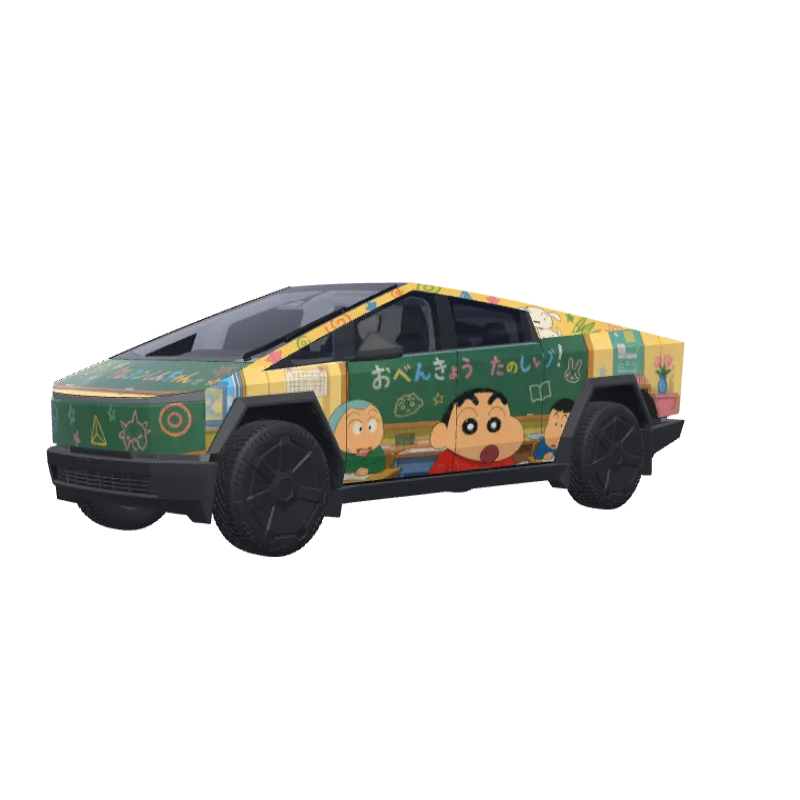
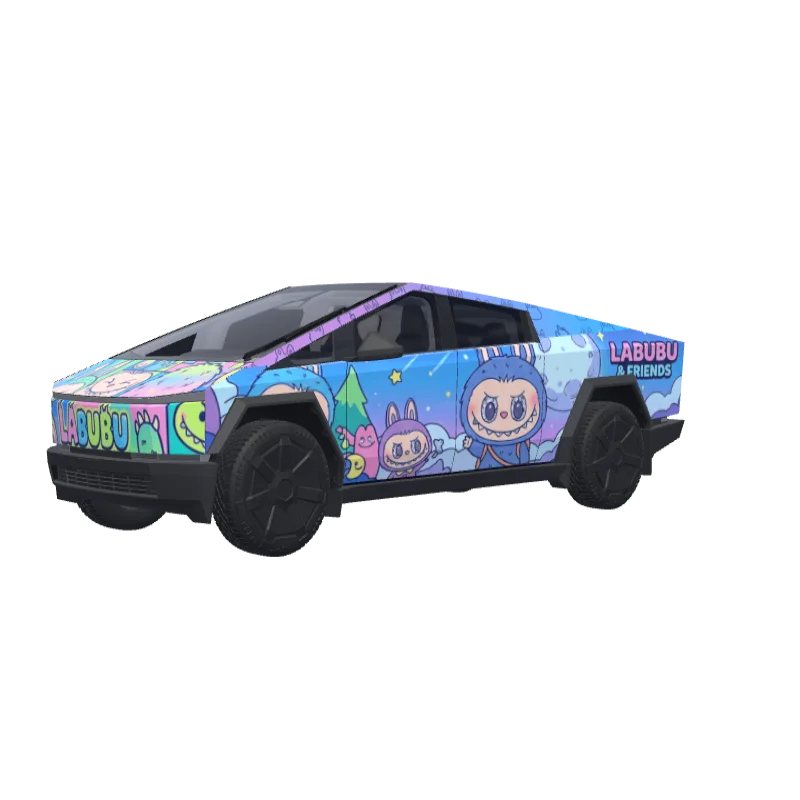
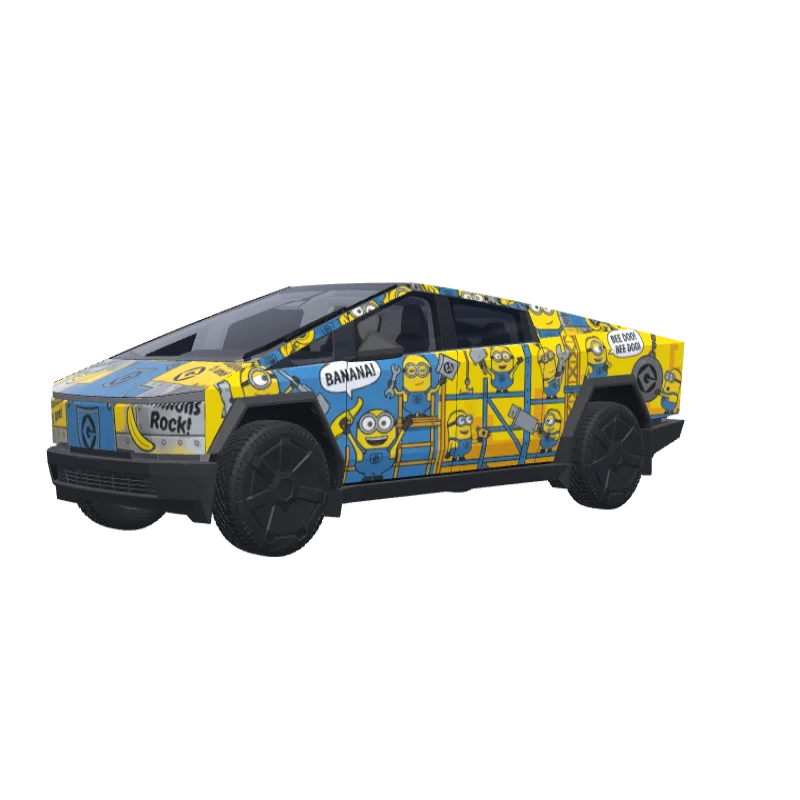
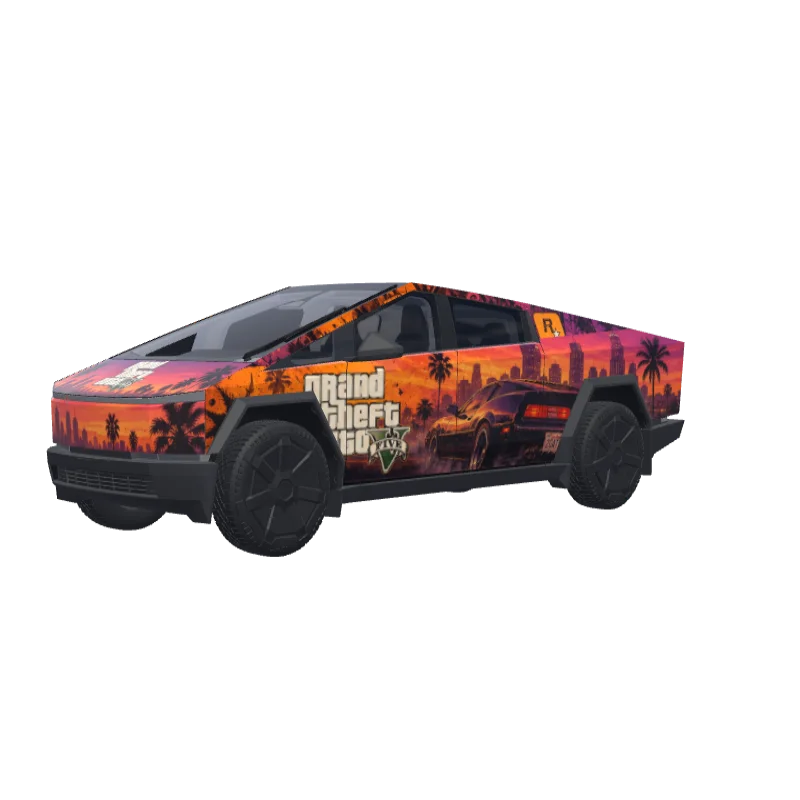
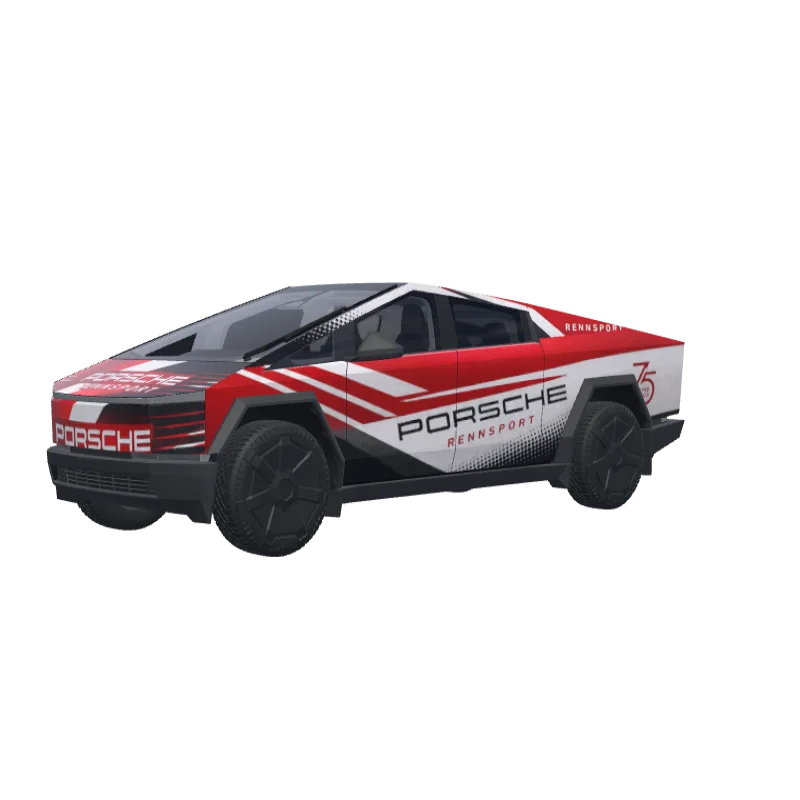
如何安装到 Tesla Paint Shop
下载涂装 PNG。
将此 Cybertruck 涂装下载为不超过 1 MB 的 1024×1024 PNG 文件。
通过 Tesla App 上传。
在 Tesla App v4.59.0 或更高版本中打开 Creations → Wrap → Upload,然后选择 PNG。
在 Paint Shop 中应用。
打开 Toybox → Paint Shop → Wraps,选择自定义涂装并在车辆 3D 模型上预览。
常见问题
Red & Pink Hearts on White 是一款适用于 Tesla Cybertruck 的免费涂装。下载后是 1024×1024 的 PNG,符合 Tesla Paint Shop 的格式要求,可以直接用 Tesla App 或 U 盘安装,无需注册账号。
这个 Cybertruck 涂装可以免费下载吗?
可以。这个 Cybertruck 涂装完全免费下载为 PNG,无需账户或付款。
使用什么文件格式和大小?
下载为不超过 1 MB 的 1024×1024 像素 PNG。Tesla 支持 512×512 至 1024×1024 的 PNG,建议使用模板尺寸。
如何将此涂装安装到我的 Cybertruck?
下载 PNG,然后在 Tesla App v4.59.0 或更高版本中打开 Creations → Wrap → Upload。作为 U 盘备用方案,将它放入根目录的“Wraps”文件夹,并打开 Toybox → Paint Shop → Wraps。
使用前可以自定义这个设计吗?
可以。在免费涂装编辑器中打开 Red & Pink Hearts on White,即可更改颜色、添加文字或图片,并导出自己的 PNG。