
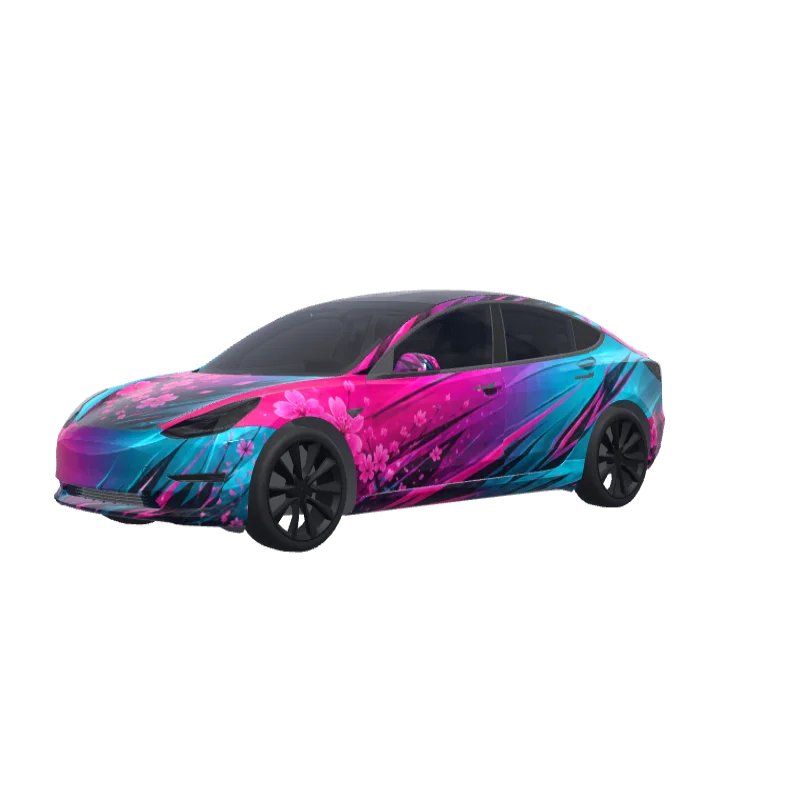
Fuchsia to Turquoise Fade
Fuchsia at the front blending into turquoise at the rear, with sharp sporty decals and speed lines.
Oliver Cooper
2370
适用于 Model 3
不同版本的涂装模板不通用。安装前请确认和你的车型版本一致。
PNG · 1024 × 1024 · 免费下载 · 无需登录
提示词展开
Fuchsia starts strong on hood, front bumper corners, front fenders and front doors, then blends diagonally and smoothly through the center doors into turquoise on rear doors, rear quarter panels and trunk sides. Sharp angular sporty decals and speed lines run from front fender to rear bumper. Thin turquoise accents on lower sides, fuchsia highlights near rear details. Glossy metallic gradient, aggressive sporty feminine premium finish..
更多 Model 3 涂装设计
Model 3 的全部涂装
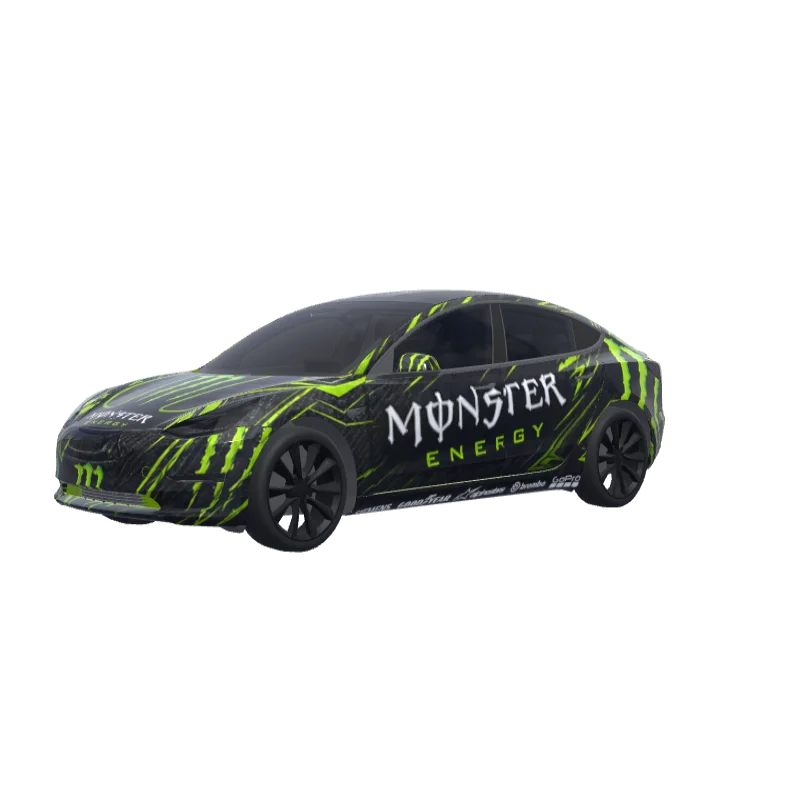
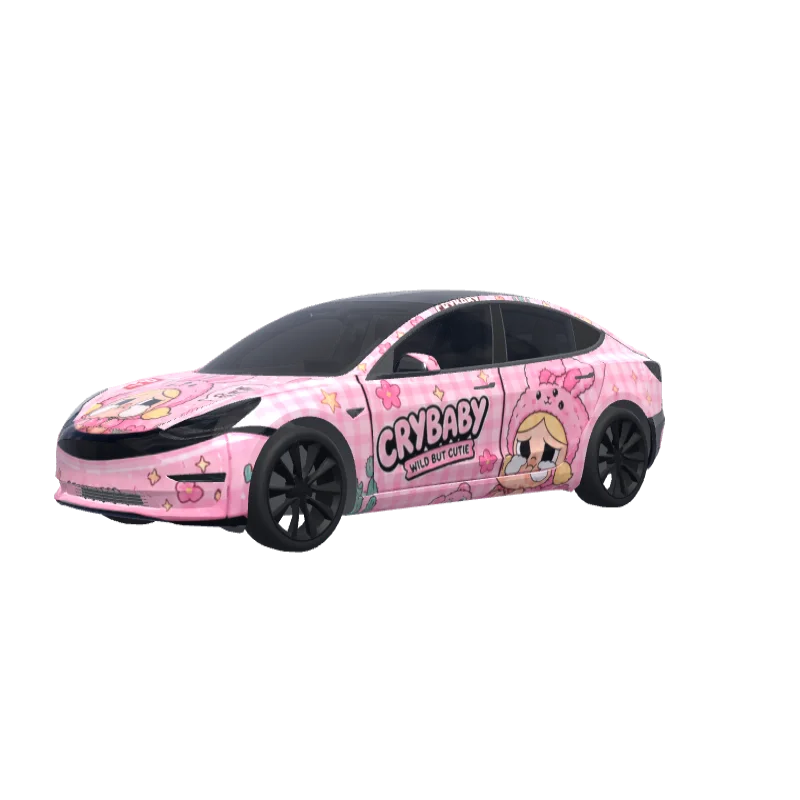
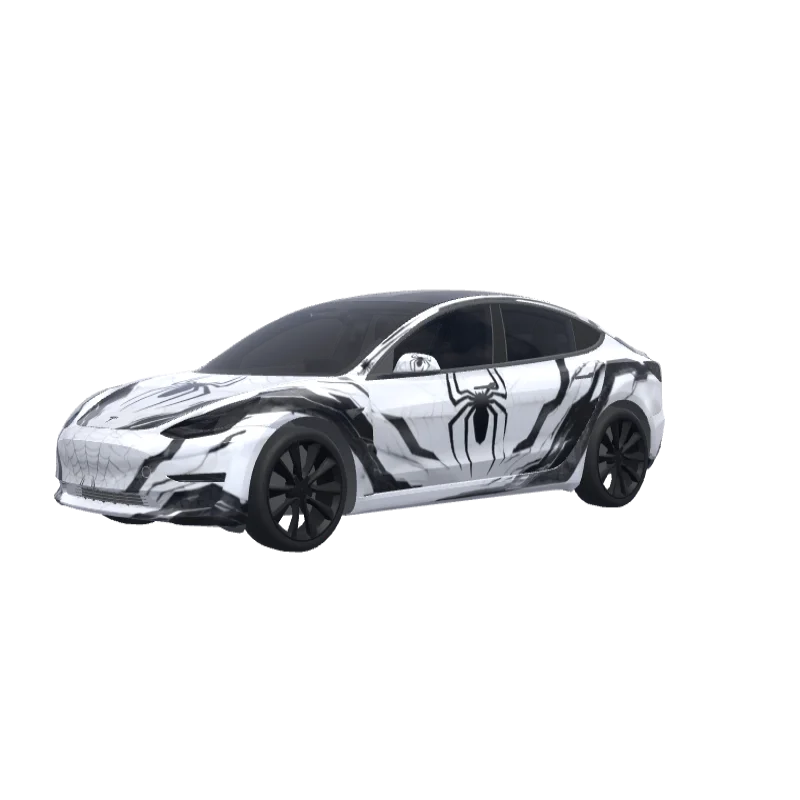
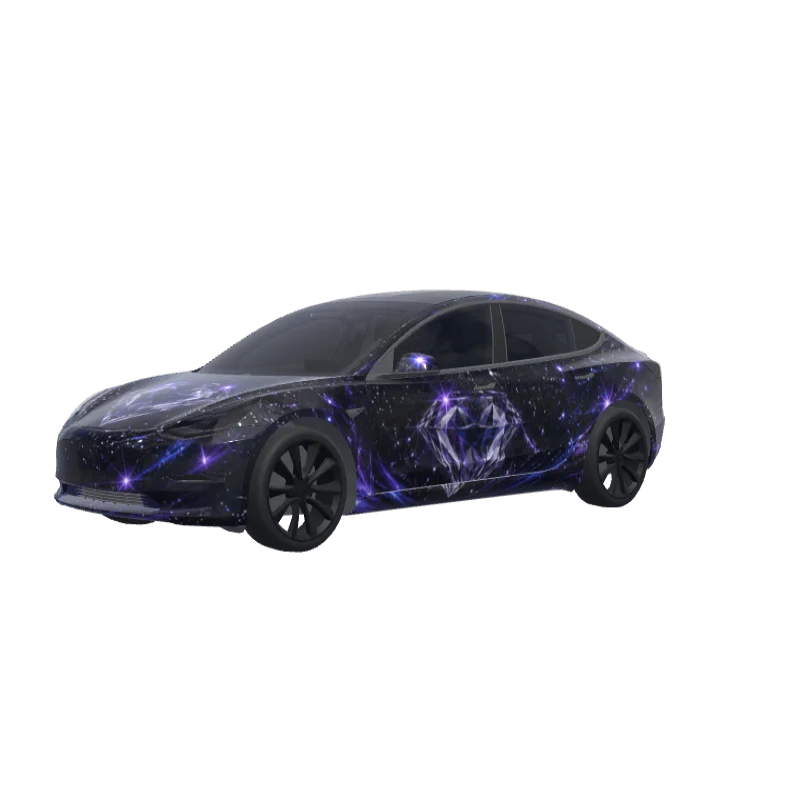
如何安装到 Tesla Paint Shop
下载涂装 PNG。
将此 Model 3 涂装下载为不超过 1 MB 的 1024×1024 PNG 文件。
通过 Tesla App 上传。
在 Tesla App v4.59.0 或更高版本中打开 Creations → Wrap → Upload,然后选择 PNG。
在 Paint Shop 中应用。
打开 Toybox → Paint Shop → Wraps,选择自定义涂装并在车辆 3D 模型上预览。
常见问题
Fuchsia to Turquoise Fade 是一款适用于 Tesla Model 3 的免费涂装。下载后是 1024×1024 的 PNG,符合 Tesla Paint Shop 的格式要求,可以直接用 Tesla App 或 U 盘安装,无需注册账号。
这个 Model 3 涂装可以免费下载吗?
可以。这个 Model 3 涂装完全免费下载为 PNG,无需账户或付款。
使用什么文件格式和大小?
下载为不超过 1 MB 的 1024×1024 像素 PNG。Tesla 支持 512×512 至 1024×1024 的 PNG,建议使用模板尺寸。
如何将此涂装安装到我的 Model 3?
下载 PNG,然后在 Tesla App v4.59.0 或更高版本中打开 Creations → Wrap → Upload。作为 U 盘备用方案,将它放入根目录的“Wraps”文件夹,并打开 Toybox → Paint Shop → Wraps。
使用前可以自定义这个设计吗?
可以。在免费涂装编辑器中打开 Fuchsia to Turquoise Fade,即可更改颜色、添加文字或图片,并导出自己的 PNG。