
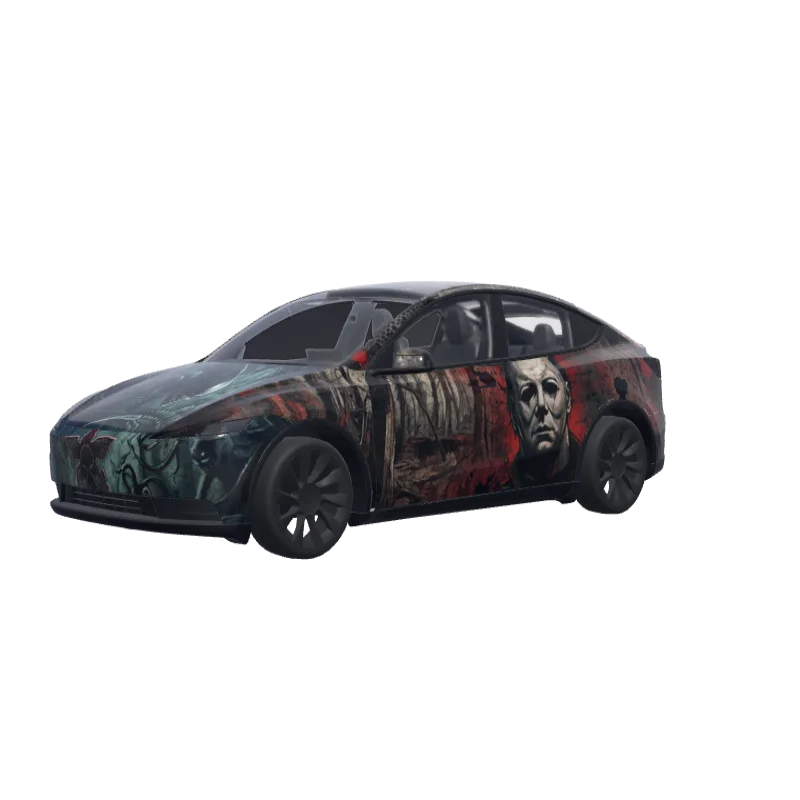
Horror Movie Icons
A dark, creepy horror theme with Art the Clown, Jason, Michael Myers, Freddy, Chucky and a xenomorph.
Brandon Reeves
00
Model Y (2025+) Standard 전용
랩 템플릿은 버전마다 다릅니다. 설치하기 전에 내 차와 맞는지 확인하세요.
PNG · 1024 × 1024 · 무료 다운로드 · 로그인 불필요
프롬프트보기
I want a horror style theme with art the clown , Jason , Michael myers , Freddy , stranger things , alien xenomorph , chucky make it dark and creepy looking I want every part of the car covered including the frunk and I want the bottom front bumper to not have the characters upside down on the frunk I want something creepy I don’t want it blank.
더 많은 Model Y (2025+) Standard 랩 디자인
Model Y (2025+) Standard 디자인 모두 보기
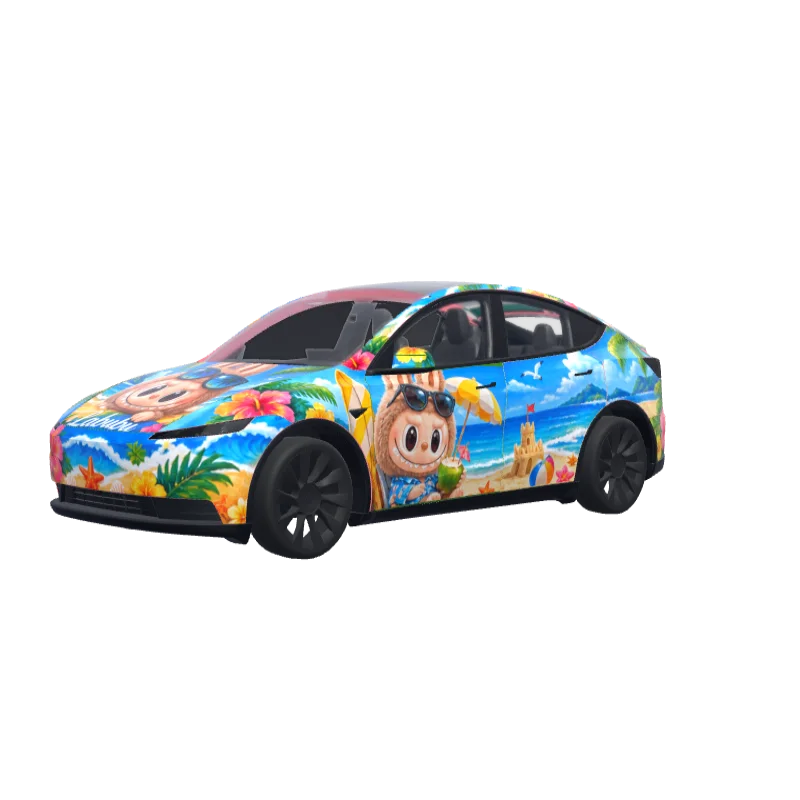
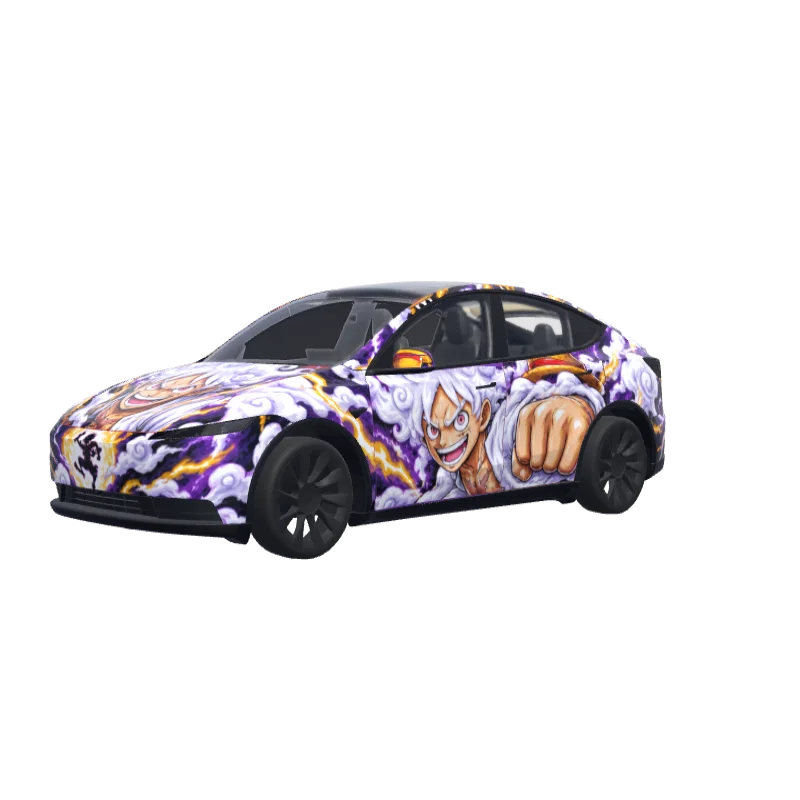
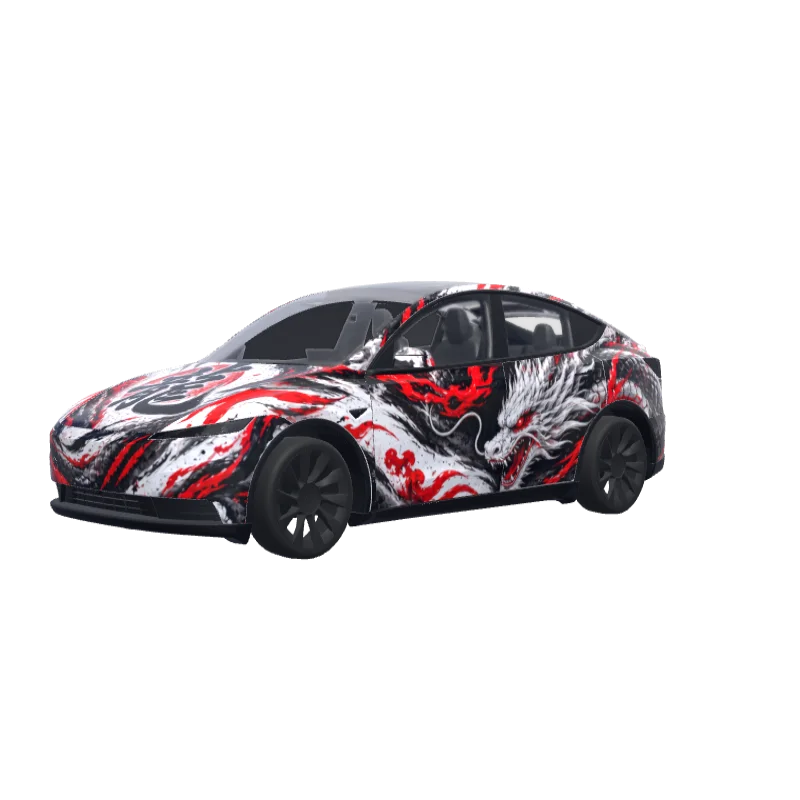
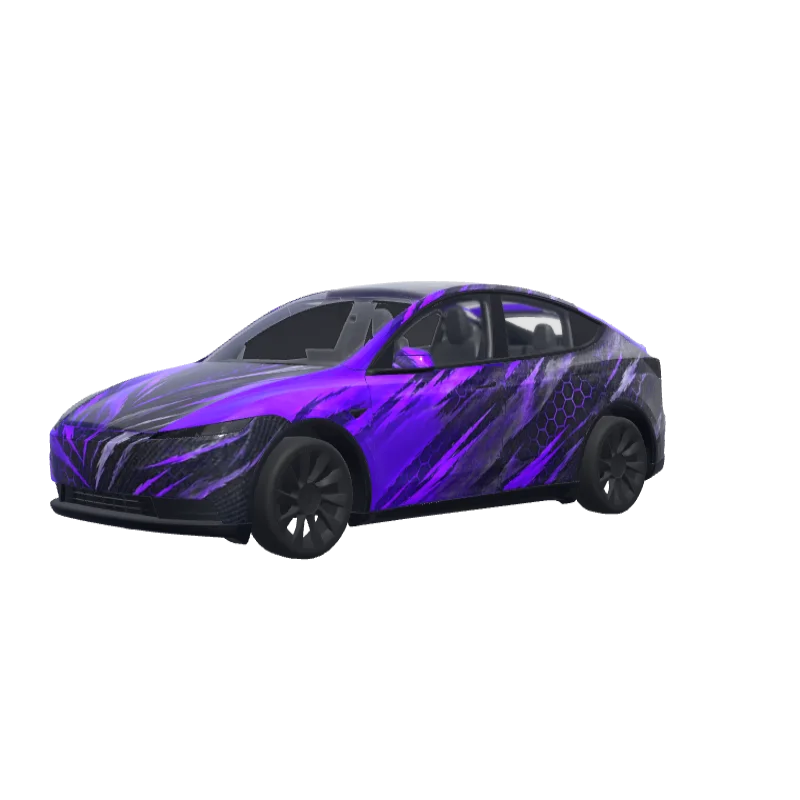
Tesla Paint Shop 설치 방법
랩 PNG 다운로드.
이 Model Y (2025+) Standard 랩을 1MB 이하의 1024×1024 PNG로 다운로드하세요.
Tesla 앱으로 업로드.
Tesla App v4.59.0 이상에서 Creations → Wrap → Upload를 열고 PNG를 선택하세요.
Paint Shop에서 적용.
Toybox → Paint Shop → Wraps를 열고 랩을 선택해 차량 3D 모델에서 미리 보세요.
자주 묻는 질문
Horror Movie Icons은(는) Tesla Model Y (2025+) Standard용 무료 랩입니다. Tesla Paint Shop이 요구하는 형식의 1024×1024 PNG로 다운로드되며, 계정 없이 Tesla 앱이나 USB 드라이브로 바로 설치할 수 있습니다.
이 Model Y (2025+) Standard 랩은 무료인가요?
예. 이 Model Y (2025+) Standard 랩은 계정이나 결제 없이 PNG로 무료 다운로드할 수 있습니다.
파일 형식과 크기는 무엇인가요?
1MB 이하의 1024×1024픽셀 PNG로 다운로드됩니다. Tesla는 512×512부터 1024×1024까지의 PNG를 지원하며 템플릿 크기를 권장합니다.
이 랩을 내 Model Y (2025+) Standard에 설치하려면?
PNG를 다운로드한 뒤 Tesla App v4.59.0 이상에서 Creations → Wrap → Upload를 사용하세요. USB의 경우 루트 “Wraps” 폴더에 넣고 Toybox → Paint Shop → Wraps를 여세요.
사용 전에 디자인을 맞춤 설정할 수 있나요?
예. 무료 랩 편집기에서 Horror Movie Icons을 열어 색상, 텍스트, 이미지를 변경하고 PNG를 내보낼 수 있습니다.