
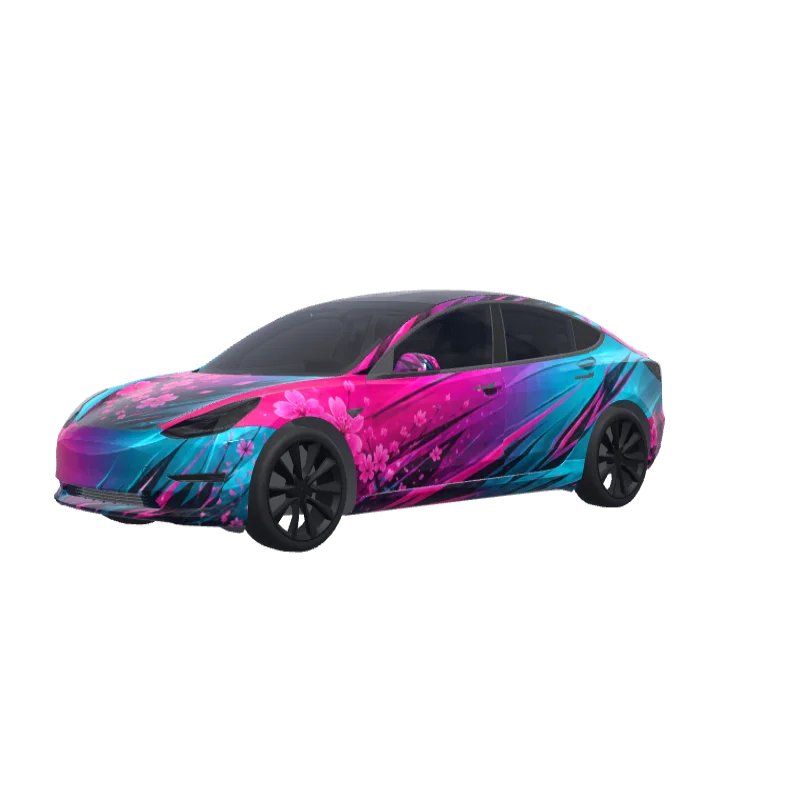
Fuchsia to Turquoise Fade
Fuchsia at the front blending into turquoise at the rear, with sharp sporty decals and speed lines.
Oliver Cooper
2370
Model 3 전용
랩 템플릿은 버전마다 다릅니다. 설치하기 전에 내 차와 맞는지 확인하세요.
PNG · 1024 × 1024 · 무료 다운로드 · 로그인 불필요
프롬프트보기
Fuchsia starts strong on hood, front bumper corners, front fenders and front doors, then blends diagonally and smoothly through the center doors into turquoise on rear doors, rear quarter panels and trunk sides. Sharp angular sporty decals and speed lines run from front fender to rear bumper. Thin turquoise accents on lower sides, fuchsia highlights near rear details. Glossy metallic gradient, aggressive sporty feminine premium finish..
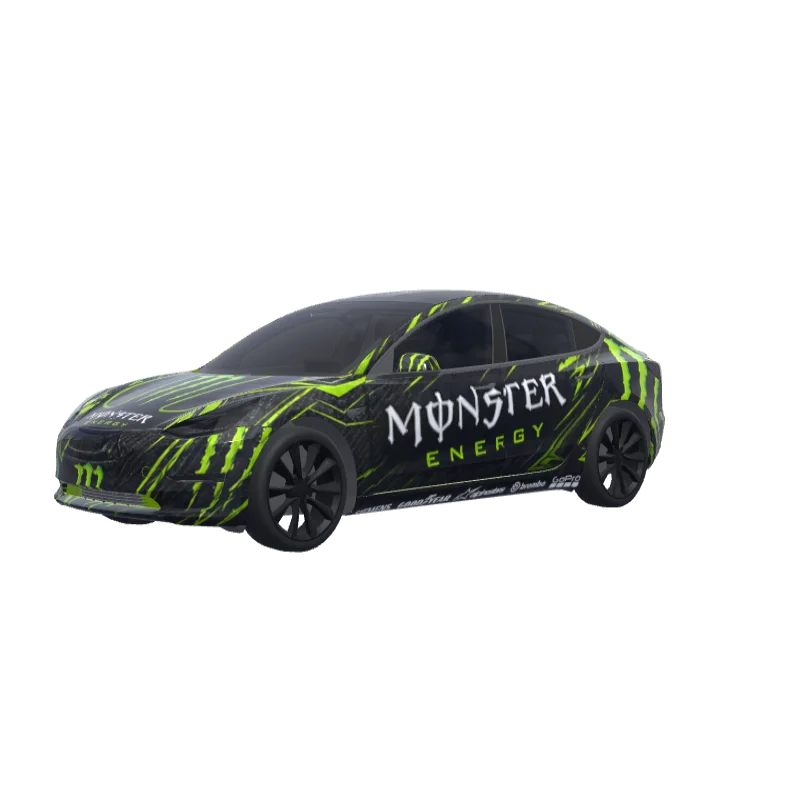
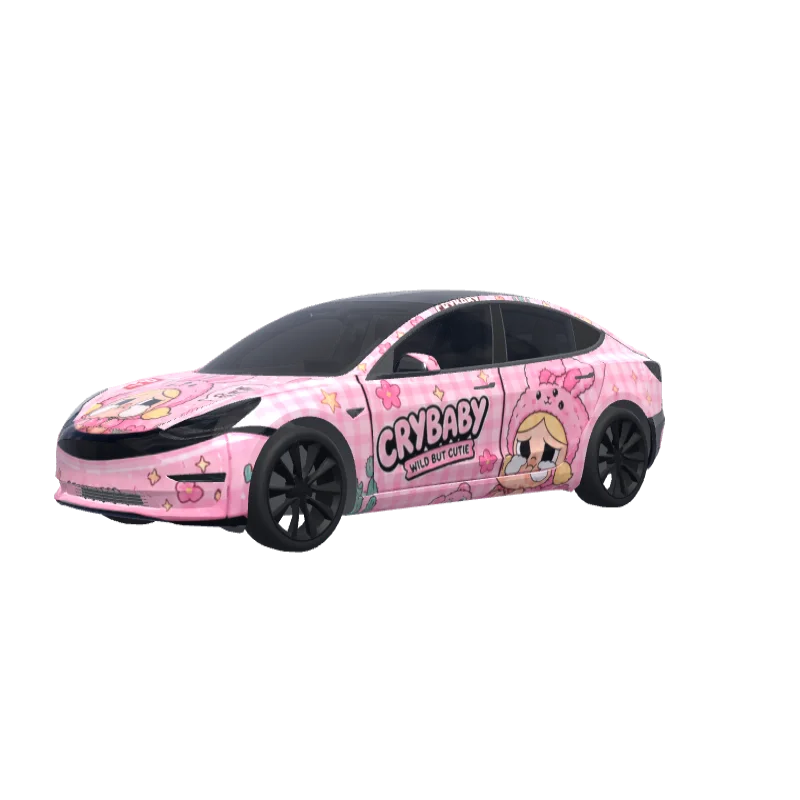
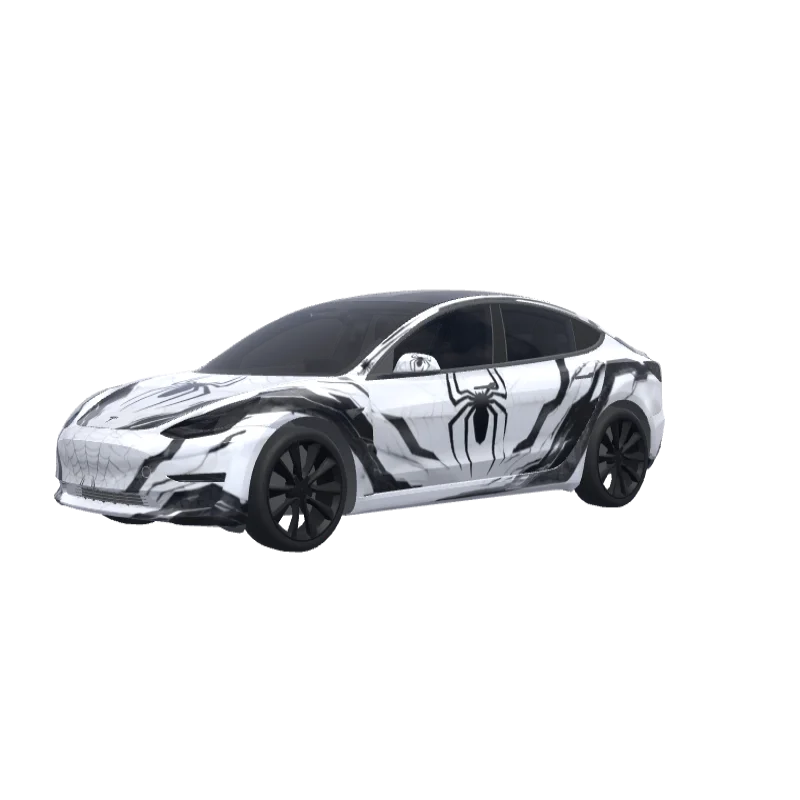
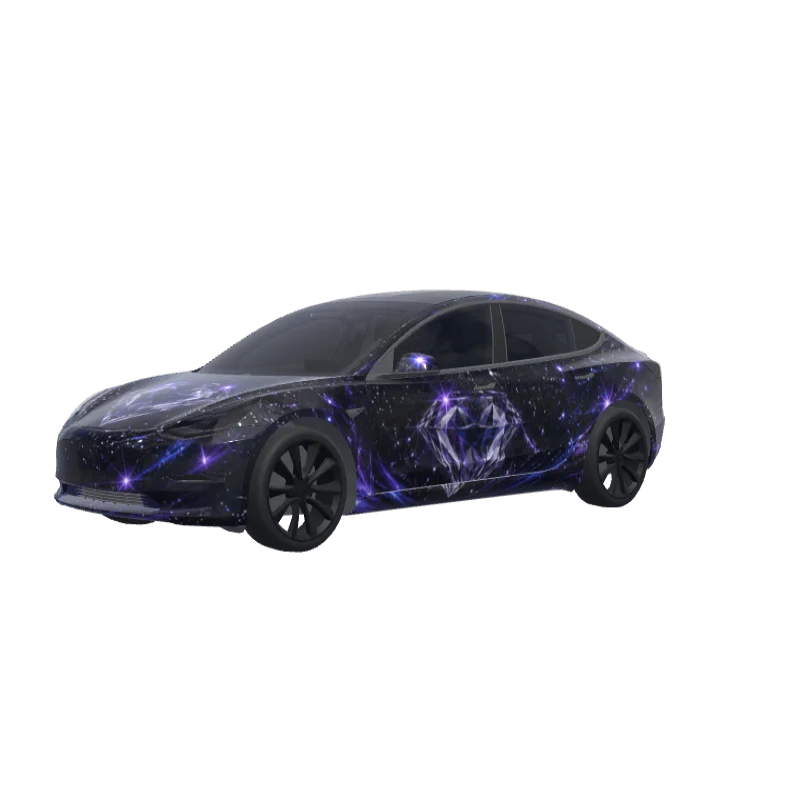
더 많은 Model 3 랩 디자인
Model 3 디자인 모두 보기
Tesla Paint Shop 설치 방법
랩 PNG 다운로드.
이 Model 3 랩을 1MB 이하의 1024×1024 PNG로 다운로드하세요.
Tesla 앱으로 업로드.
Tesla App v4.59.0 이상에서 Creations → Wrap → Upload를 열고 PNG를 선택하세요.
Paint Shop에서 적용.
Toybox → Paint Shop → Wraps를 열고 랩을 선택해 차량 3D 모델에서 미리 보세요.
자주 묻는 질문
Fuchsia to Turquoise Fade은(는) Tesla Model 3용 무료 랩입니다. Tesla Paint Shop이 요구하는 형식의 1024×1024 PNG로 다운로드되며, 계정 없이 Tesla 앱이나 USB 드라이브로 바로 설치할 수 있습니다.
이 Model 3 랩은 무료인가요?
예. 이 Model 3 랩은 계정이나 결제 없이 PNG로 무료 다운로드할 수 있습니다.
파일 형식과 크기는 무엇인가요?
1MB 이하의 1024×1024픽셀 PNG로 다운로드됩니다. Tesla는 512×512부터 1024×1024까지의 PNG를 지원하며 템플릿 크기를 권장합니다.
이 랩을 내 Model 3에 설치하려면?
PNG를 다운로드한 뒤 Tesla App v4.59.0 이상에서 Creations → Wrap → Upload를 사용하세요. USB의 경우 루트 “Wraps” 폴더에 넣고 Toybox → Paint Shop → Wraps를 여세요.
사용 전에 디자인을 맞춤 설정할 수 있나요?
예. 무료 랩 편집기에서 Fuchsia to Turquoise Fade을 열어 색상, 텍스트, 이미지를 변경하고 PNG를 내보낼 수 있습니다.