
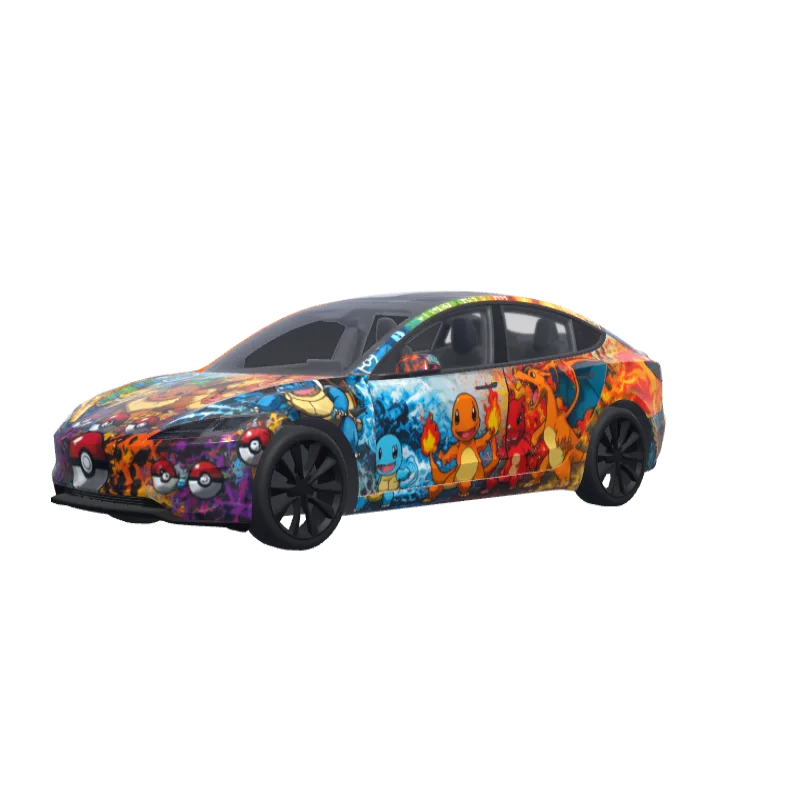
Pokémon Gen 1 Starters
First-generation Pokémon with the starters, their evolutions, Pikachu and Eevee on every panel.
Gavin Vaughn
00
Model 3 (2024+) Performance 対応
ラップのテンプレートはバージョンごとに異なります。インストール前にお使いの車と一致しているか確認してください。
PNG · 1024 × 1024 · 無料ダウンロード · ログイン不要
プロンプト表示
I want a first generation pokemon wrap design with the first generation starters and pikachu evee etc for all parts of the véhicles don't forget the frunk and rearview. I also want the firsts evolutions of the first generation of starters and pikachu. Also make sure that every pokemon are on the right side and sense (for example on the first try you put charizard upside down). And try to make someking of a fresk inspired by pokemon around the wrap of the car.
その他の Model 3 (2024+) Performance ラップデザイン
Model 3 (2024+) Performance のデザインをすべて見る
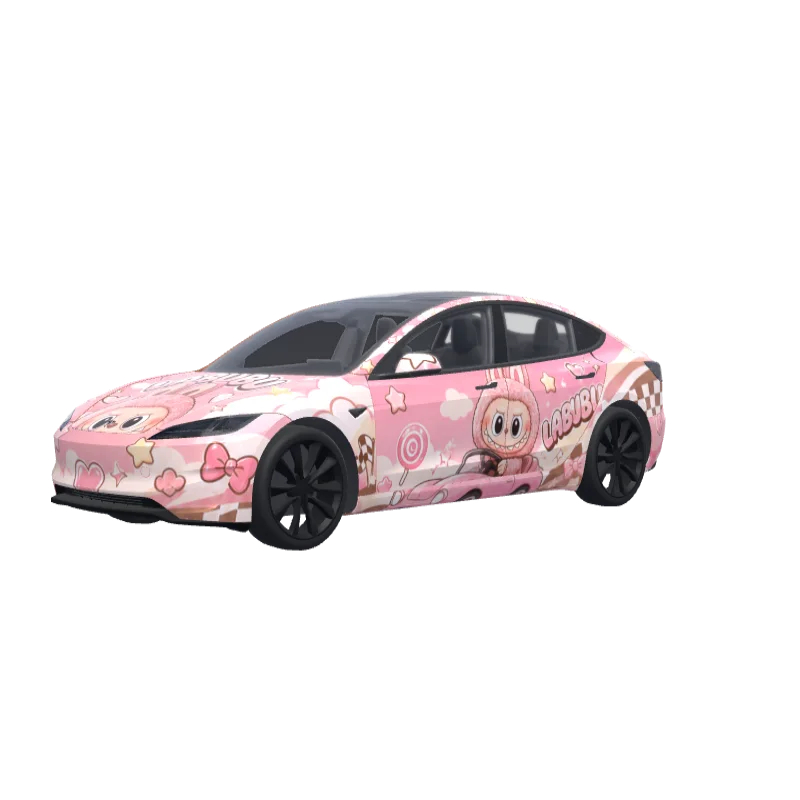
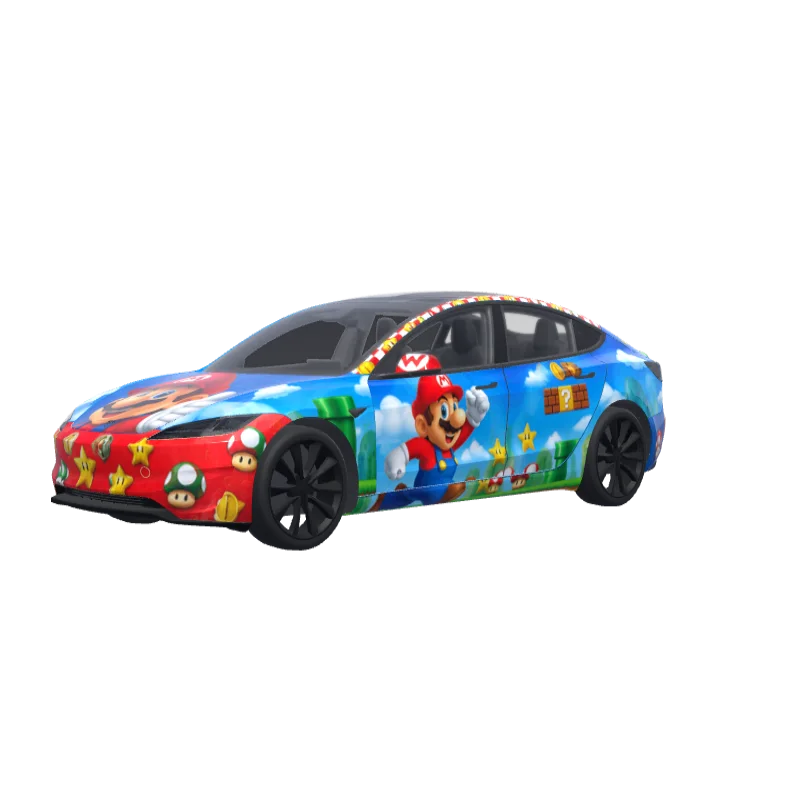
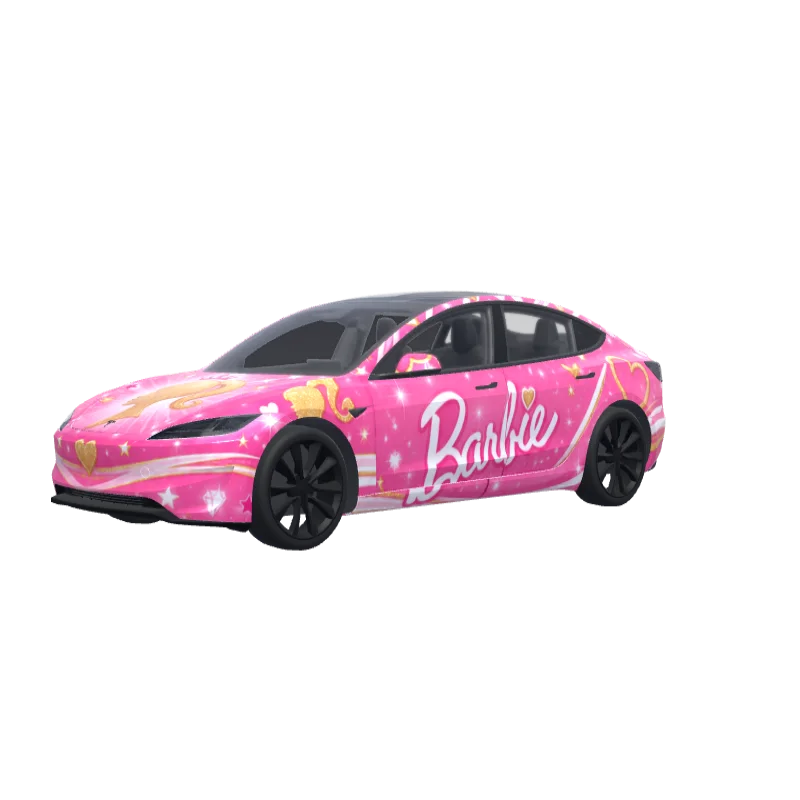
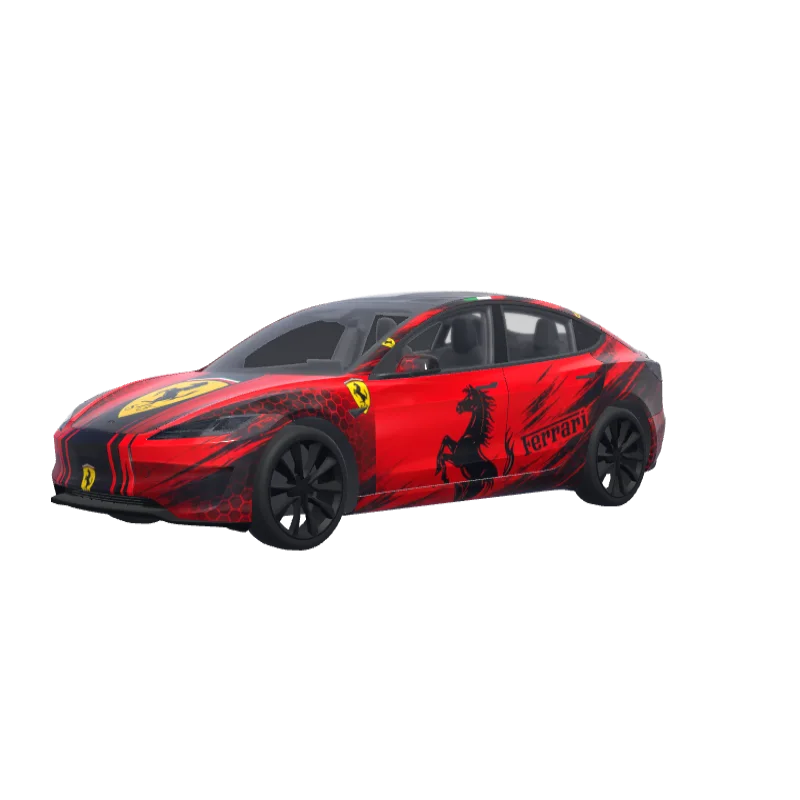
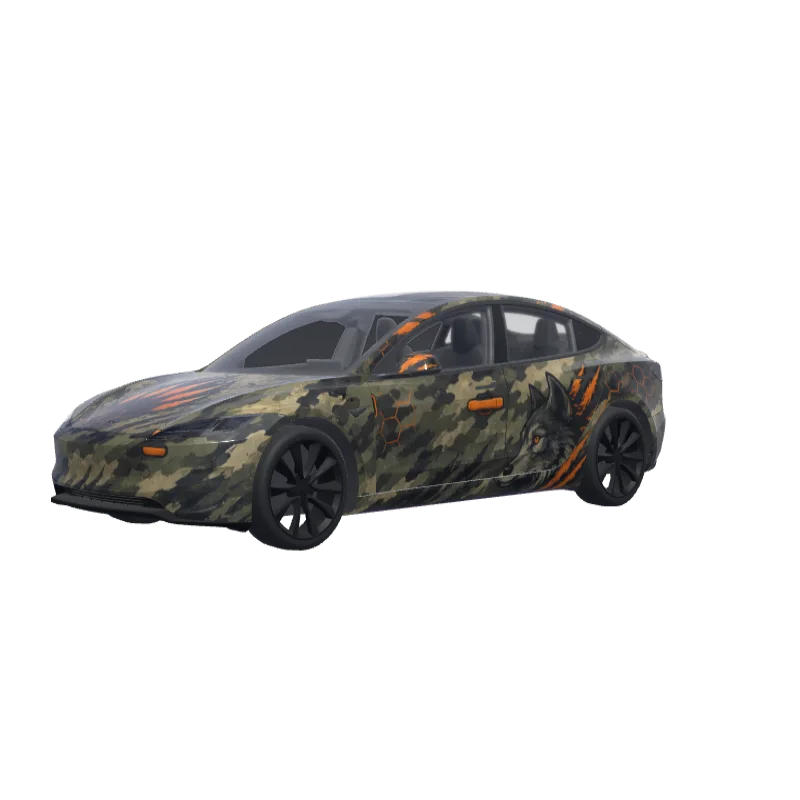
Tesla Paint Shopへのインストール方法
ラップPNGをダウンロード。
このModel 3 (2024+) Performanceラップを1 MB以下の1024×1024 PNGとしてダウンロードします。
Teslaアプリでアップロード。
Tesla App v4.59.0以降でCreations → Wrap → Uploadを開き、PNGを選択します。
Paint Shopで適用。
Toybox → Paint Shop → Wrapsを開き、ラップを選択して車両の3Dモデルでプレビューします。
よくある質問
Pokémon Gen 1 Starters は Tesla Model 3 (2024+) Performance 用の無料ラップです。Tesla Paint Shop の形式に合わせた 1024×1024 の PNG でダウンロードでき、Teslaアプリまたは USB メモリでそのままインストールできます。アカウントは不要です。
このModel 3 (2024+) Performanceラップは無料ですか?
はい。このModel 3 (2024+) Performanceラップはアカウントや支払いなしでPNGを無料ダウンロードできます。
ファイル形式とサイズは?
1 MB以下の1024×1024ピクセルPNGです。Teslaは512×512から1024×1024のPNGに対応しており、テンプレートサイズが推奨されます。
このラップをModel 3 (2024+) Performanceにインストールするには?
PNGをダウンロードし、Tesla App v4.59.0以降でCreations → Wrap → Uploadを使用します。USBの場合はルートの「Wraps」フォルダーに入れ、Toybox → Paint Shop → Wrapsを開きます。
使用前にカスタマイズできますか?
はい。無料ラップエディターでPokémon Gen 1 Startersを開き、色の変更、文字や画像の追加、PNGの書き出しができます。