
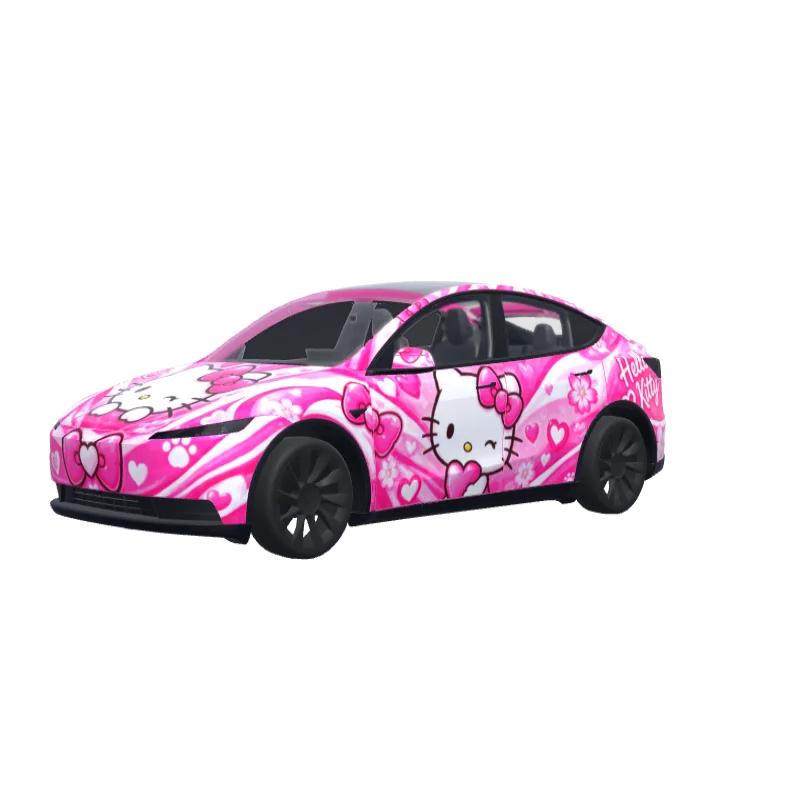
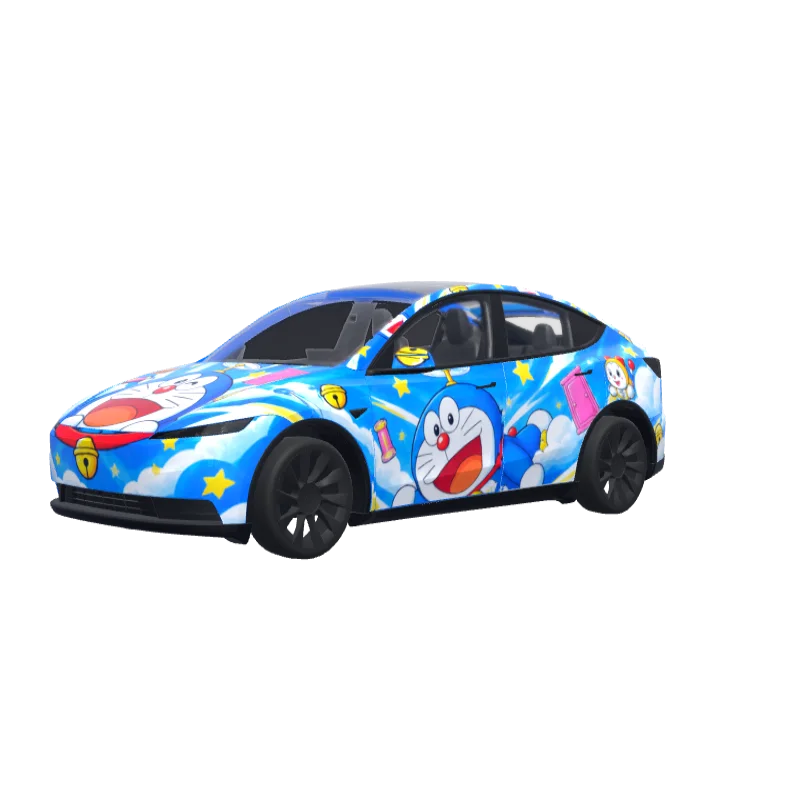
Doraemon Theme
A Doraemon theme in blue and white.
Rhys Nolan
0163
Fits Model Y (2025+) Standard
Wrap templates differ between versions. Check that this matches your car before you install it.
PNG · 1024 × 1024 · Free download · No sign-in needed
PromptShow
make me a car wrap by filling in this template based on doraemon design
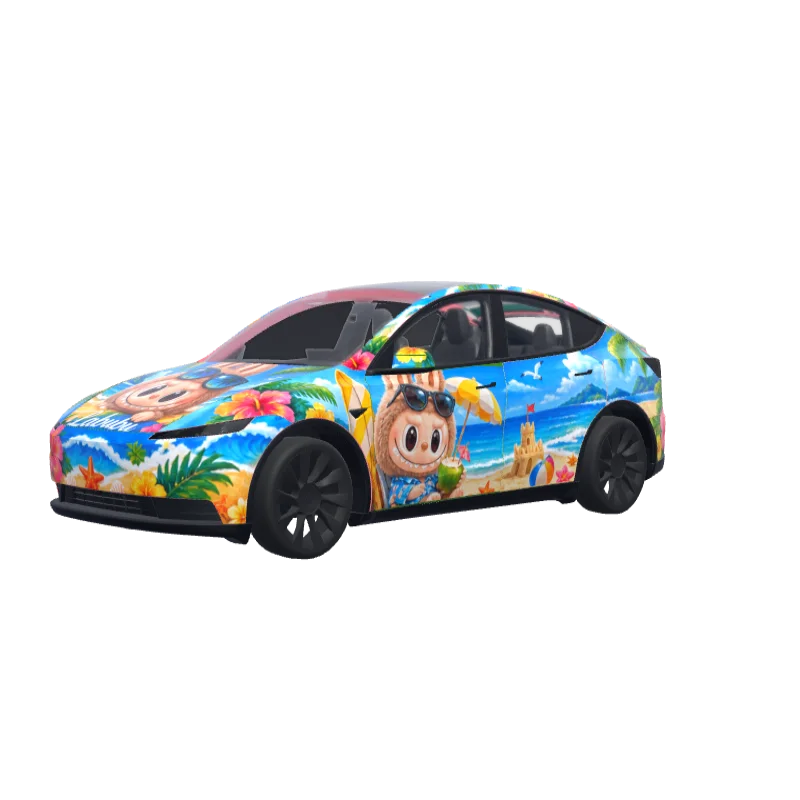
More Model Y (2025+) Standard wrap designs
All Model Y (2025+) Standard designs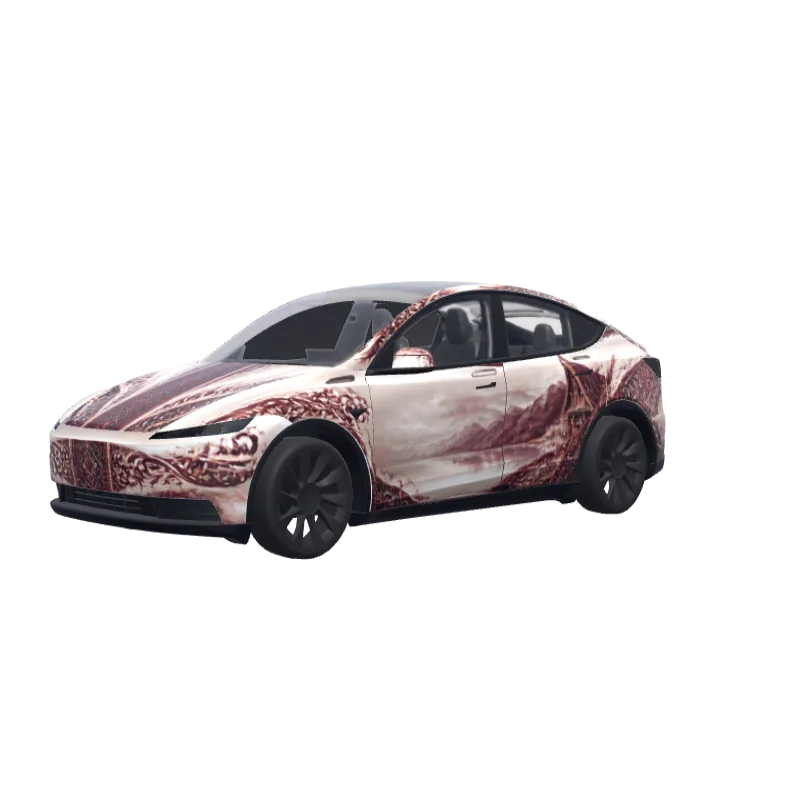
How to install on Tesla Paint Shop
Download the wrap PNG.
Download this Model Y (2025+) Standard wrap as a 1024×1024 PNG file no larger than 1 MB.
Upload with the Tesla App.
In Tesla App v4.59.0 or later, open Creations → Wrap → Upload and select the PNG.
Apply it in Paint Shop.
Open Toybox → Paint Shop → Wraps, select the custom wrap and preview it on your car’s 3D model.
Frequently asked questions
Doraemon Theme is a free wrap for the Tesla Model Y (2025+) Standard. It downloads as a 1024×1024 PNG in the format Tesla Paint Shop expects, ready to install with the Tesla App or a USB drive — no account needed.
Is this Model Y (2025+) Standard wrap free to download?
Yes. This Model Y (2025+) Standard wrap is completely free to download as a PNG, with no account or payment required.
What file format and size does it use?
It downloads as a 1024×1024 pixel PNG no larger than 1 MB. Tesla accepts PNGs from 512×512 through 1024×1024 pixels, with the template size recommended.
How do I install this wrap on my Model Y (2025+) Standard?
Download the PNG, then use Tesla App v4.59.0 or later at Creations → Wrap → Upload. As a USB fallback, put it in a root-level “Wraps” folder and open Toybox → Paint Shop → Wraps.
Can I customize this design before using it?
Yes. Open Doraemon Theme in the free wrap editor to change colors, add text or images and export your own PNG.