
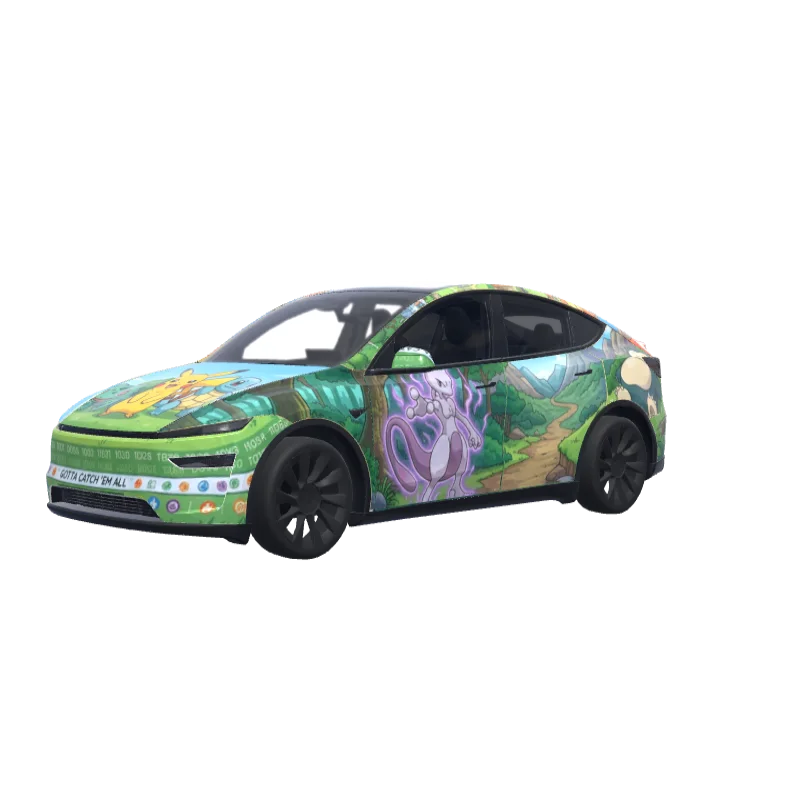
Pokémon Gen 1 Panorama
One seamless Pokémon Gen 1 landscape with forest, water, volcano and sky, featuring Pikachu, the starters and Mewtwo.
Nathan Parker
028
Fits Model Y (2025+) Premium
Wrap templates differ between versions. Check that this matches your car before you install it.
PNG · 1024 × 1024 · Free download · No sign-in needed
PromptShow
Continuous mural-style Tesla screen wrap inspired by Pokémon Gen 1. A single cohesive landscape scene across the whole template (forest, water, volcano, sky) featuring Pikachu, Eevee and the three starters Bulbasaur, Charmander, Squirtle plus iconic Pokémon like Charizard, Mewtwo, Gengar, Snorlax. Artwork must cover ALL parts (hood, mirrors, side fins, all panels) as one seamless panorama, correctly oriented, no upside-down characters..
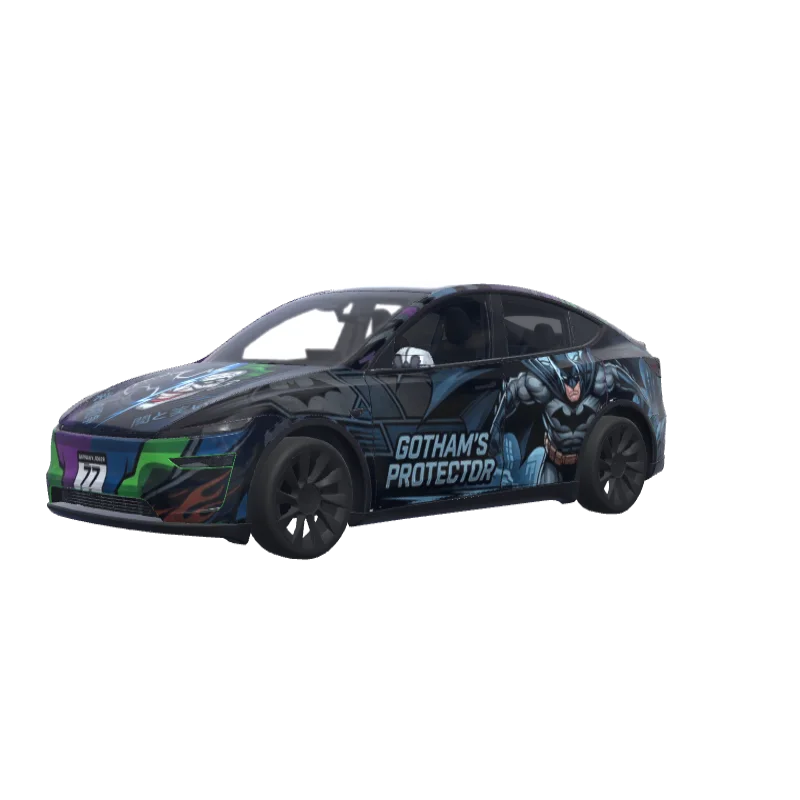
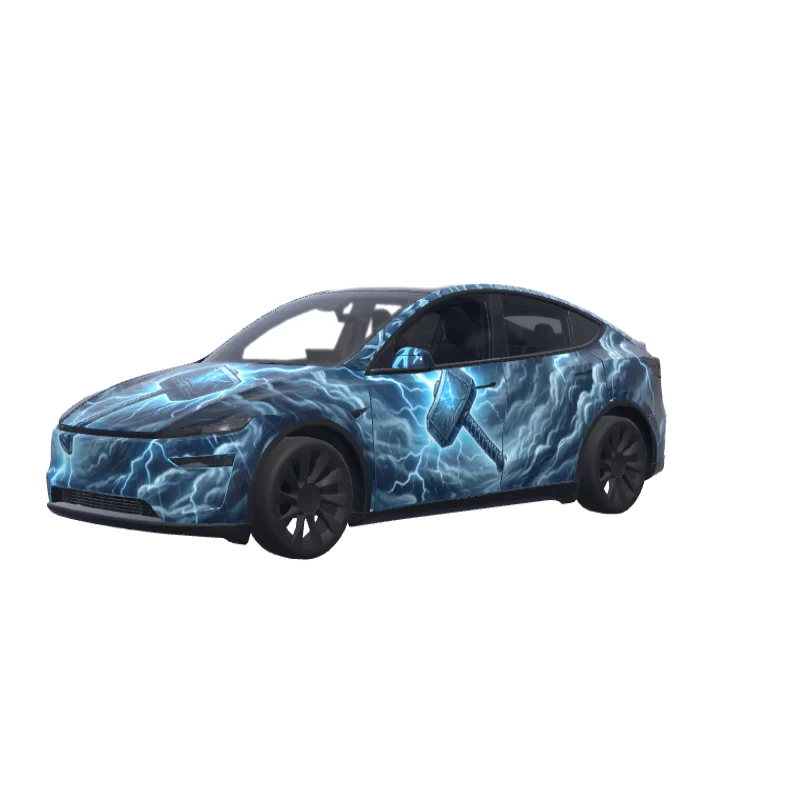
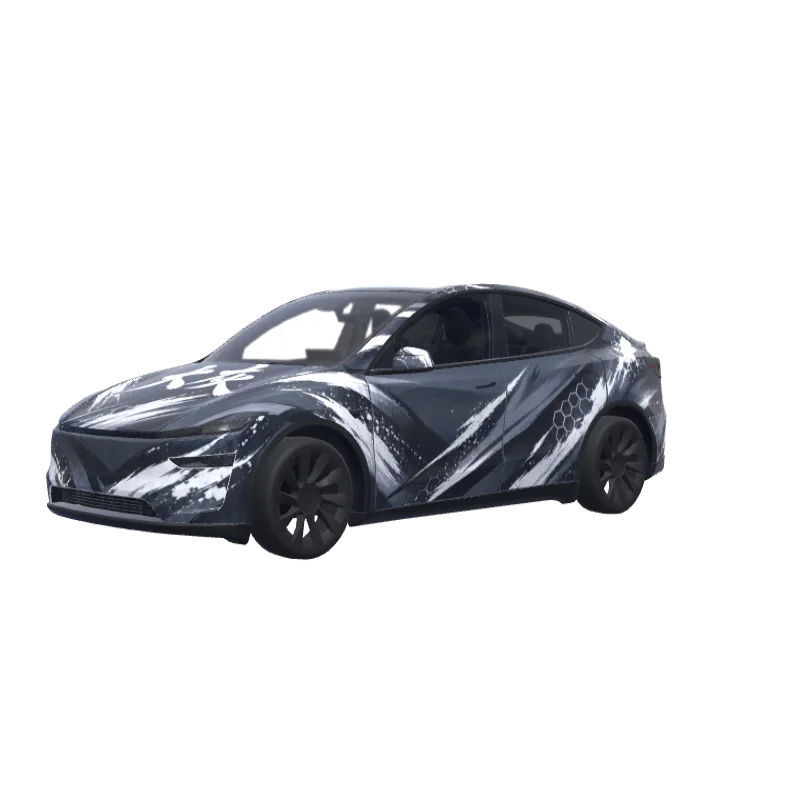
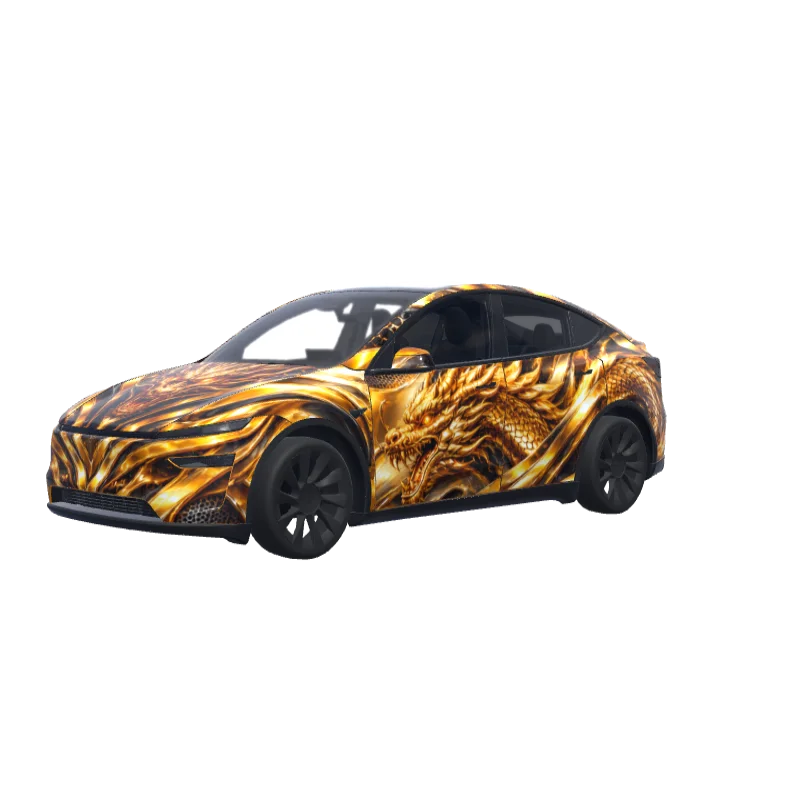
More Model Y (2025+) Premium wrap designs
All Model Y (2025+) Premium designs
How to install on Tesla Paint Shop
Download the wrap PNG.
Download this Model Y (2025+) Premium wrap as a 1024×1024 PNG file no larger than 1 MB.
Upload with the Tesla App.
In Tesla App v4.59.0 or later, open Creations → Wrap → Upload and select the PNG.
Apply it in Paint Shop.
Open Toybox → Paint Shop → Wraps, select the custom wrap and preview it on your car’s 3D model.
Frequently asked questions
Pokémon Gen 1 Panorama is a free wrap for the Tesla Model Y (2025+) Premium. It downloads as a 1024×1024 PNG in the format Tesla Paint Shop expects, ready to install with the Tesla App or a USB drive — no account needed.
Is this Model Y (2025+) Premium wrap free to download?
Yes. This Model Y (2025+) Premium wrap is completely free to download as a PNG, with no account or payment required.
What file format and size does it use?
It downloads as a 1024×1024 pixel PNG no larger than 1 MB. Tesla accepts PNGs from 512×512 through 1024×1024 pixels, with the template size recommended.
How do I install this wrap on my Model Y (2025+) Premium?
Download the PNG, then use Tesla App v4.59.0 or later at Creations → Wrap → Upload. As a USB fallback, put it in a root-level “Wraps” folder and open Toybox → Paint Shop → Wraps.
Can I customize this design before using it?
Yes. Open Pokémon Gen 1 Panorama in the free wrap editor to change colors, add text or images and export your own PNG.