
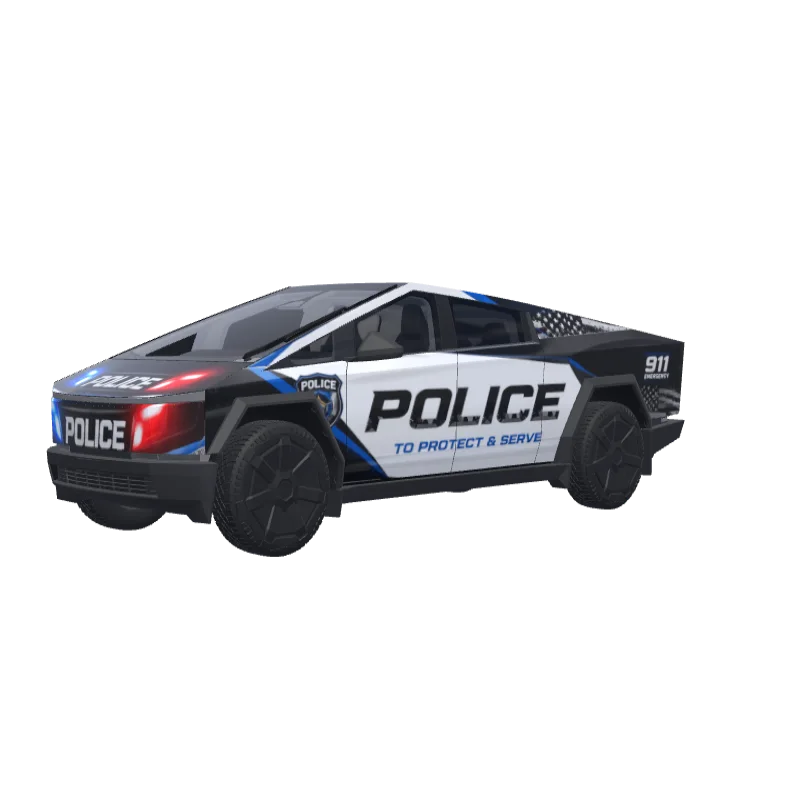
Police Patrol with Emergency Lights
A patrol car livery with emergency light graphics, official markings and police lettering.
Jordan Wheeler
00
Fits Cybertruck
Wrap templates differ between versions. Check that this matches your car before you install it.
PNG · 1024 × 1024 · Free download · No sign-in needed
PromptShow
Police patrol car with emergency lights, official markings, and law enforcement livery.
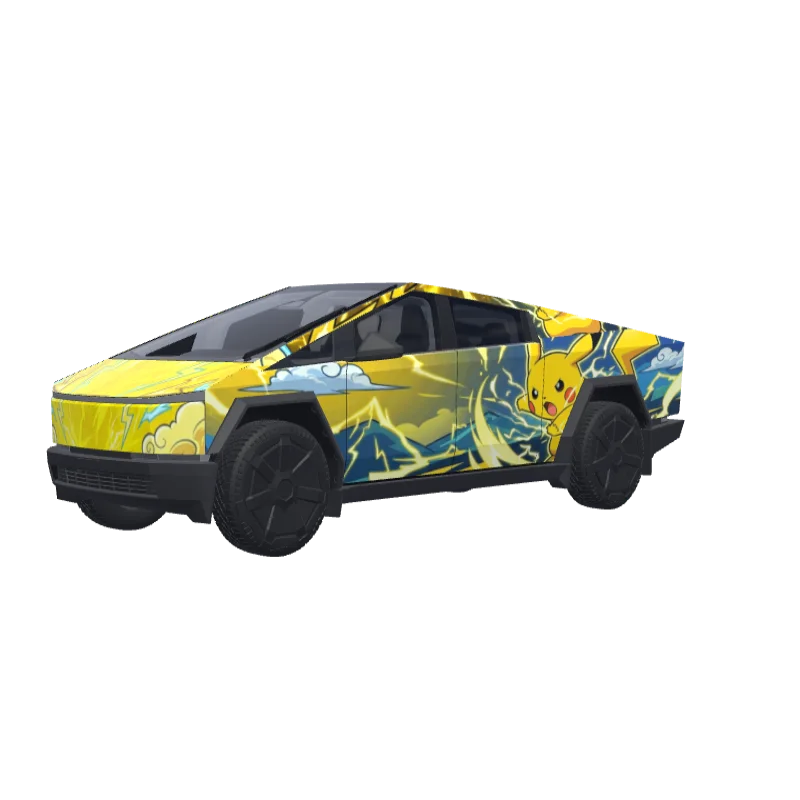
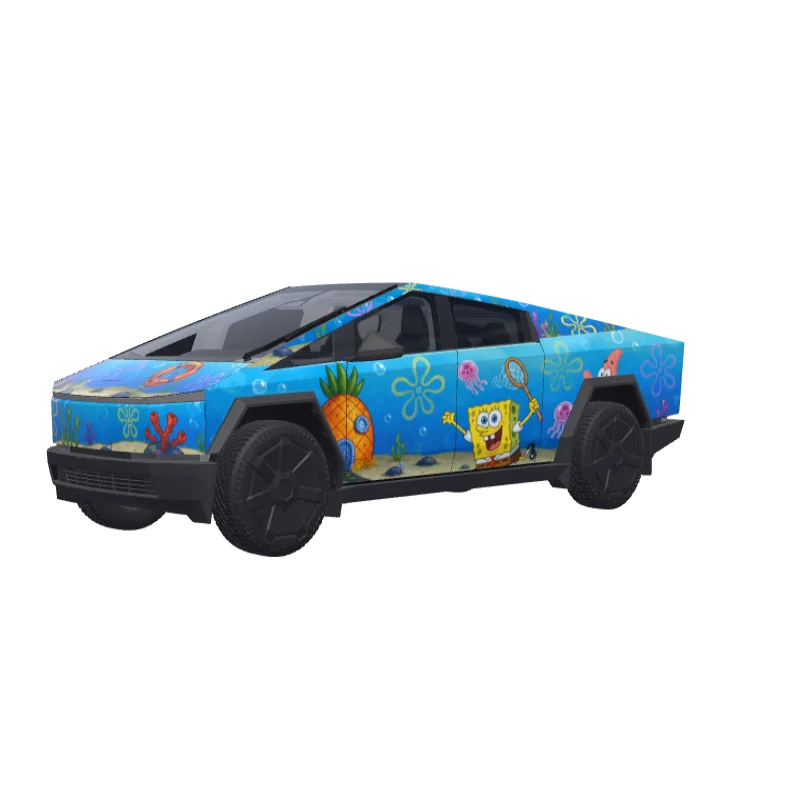
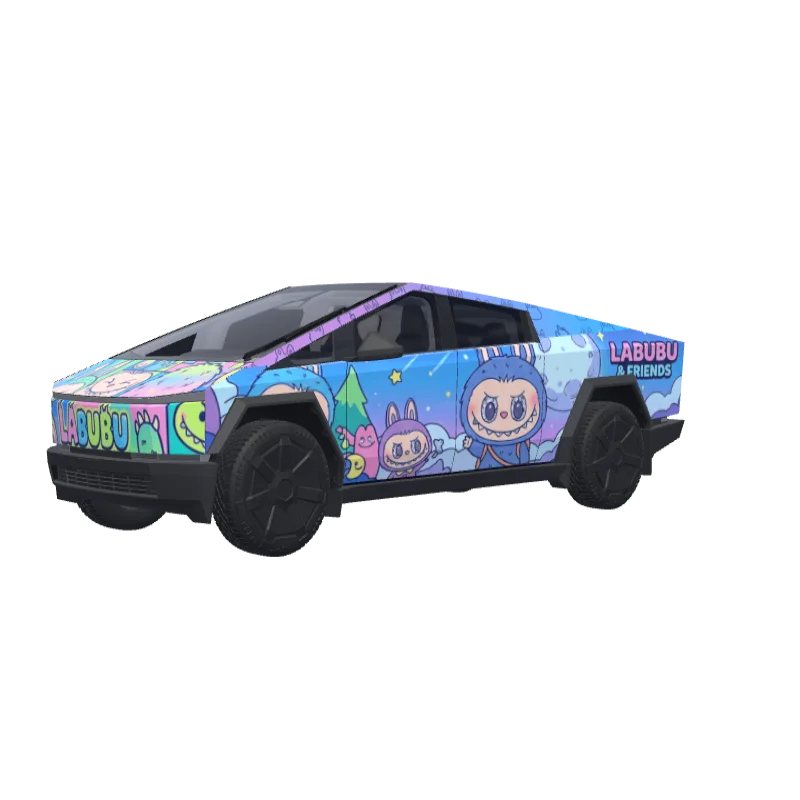
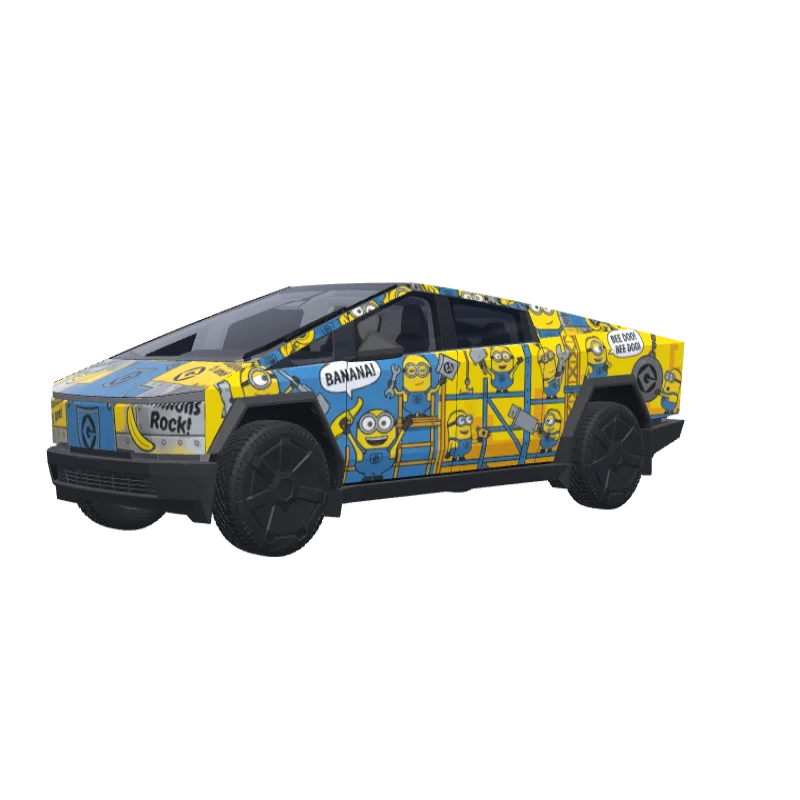
More Cybertruck wrap designs
All Cybertruck designs
How to install on Tesla Paint Shop
Download the wrap PNG.
Download this Cybertruck wrap as a 1024×1024 PNG file no larger than 1 MB.
Upload with the Tesla App.
In Tesla App v4.59.0 or later, open Creations → Wrap → Upload and select the PNG.
Apply it in Paint Shop.
Open Toybox → Paint Shop → Wraps, select the custom wrap and preview it on your car’s 3D model.
Frequently asked questions
Police Patrol with Emergency Lights is a free wrap for the Tesla Cybertruck. It downloads as a 1024×1024 PNG in the format Tesla Paint Shop expects, ready to install with the Tesla App or a USB drive — no account needed.
Is this Cybertruck wrap free to download?
Yes. This Cybertruck wrap is completely free to download as a PNG, with no account or payment required.
What file format and size does it use?
It downloads as a 1024×1024 pixel PNG no larger than 1 MB. Tesla accepts PNGs from 512×512 through 1024×1024 pixels, with the template size recommended.
How do I install this wrap on my Cybertruck?
Download the PNG, then use Tesla App v4.59.0 or later at Creations → Wrap → Upload. As a USB fallback, put it in a root-level “Wraps” folder and open Toybox → Paint Shop → Wraps.
Can I customize this design before using it?
Yes. Open Police Patrol with Emergency Lights in the free wrap editor to change colors, add text or images and export your own PNG.